
15 Minecraft Village Layout Ideas to Transform Your World
I love experimenting with different builds in Minecraft, and village layouts are one of the best ways to make a world feel more alive and immersive.
Whether I’m building a cozy farming village, a massive mountain base, or something more creative like a treetop settlement, there are so many ways to design something unique.
To help you get inspired, I’ve gathered 15 of my favorite Minecraft village layout ideas from talented creators. Grab your blocks and let’s explore some amazing builds you can add to your world today.
Disclosure: This page may contain affiliate links and I may earn a commission if you click on them and make a purchase. This comes at no additional cost to you and allows me to continue to run this website. Lastly, please do not copy, modify, and/or redistribute my content and claim as your own. For info on photo/video sharing, see the terms and conditions page. Thanks for your support!
Minecraft Village Layout Ideas
The best Minecraft village layouts combine creativity, style, and functionality.
Some builds are simple and beginner-friendly, while others are highly detailed designs perfect for experienced builders. No matter your skill level, these ideas can help you transform your Minecraft world and spark new inspiration.
Here are some of the best Minecraft village layout ideas you can start building today.
1. Mountain Village Transformation
Source: TwizzyLeno – I Built a HUGE Mountain Village in Minecraft
This mountain village layout is perfect for players who want to turn an awkward hillside or empty cliff base into something that feels alive and immersive.
The build uses layered paths, detailed cliffs, lush foliage, and multiple streets of houses to create a village that feels naturally woven into the terrain rather than placed on top of it.
What makes this design especially inspiring is how it transforms a previously messy area into a cohesive settlement with gates, guard spaces, shops, and scenic overlooks.
How to Build It
Start by planning the main road and shape of the village, then carve the terrain into levels for lower and upper streets.
Add structure with cliffs, retaining walls, gates, and connected pathways so the build feels integrated into the mountain.
Finish with houses, foliage, market details, small work areas, and decorative touches that make the village feel lived in.
Tip: This layout works especially well if you build in phases. Start with the roads and terrain first, then add buildings and details after the village shape feels right.
2. Fishing Village Layout
Source: fWhip – My Favorite Village I Have EVER BUILT in Hardcore Minecraft
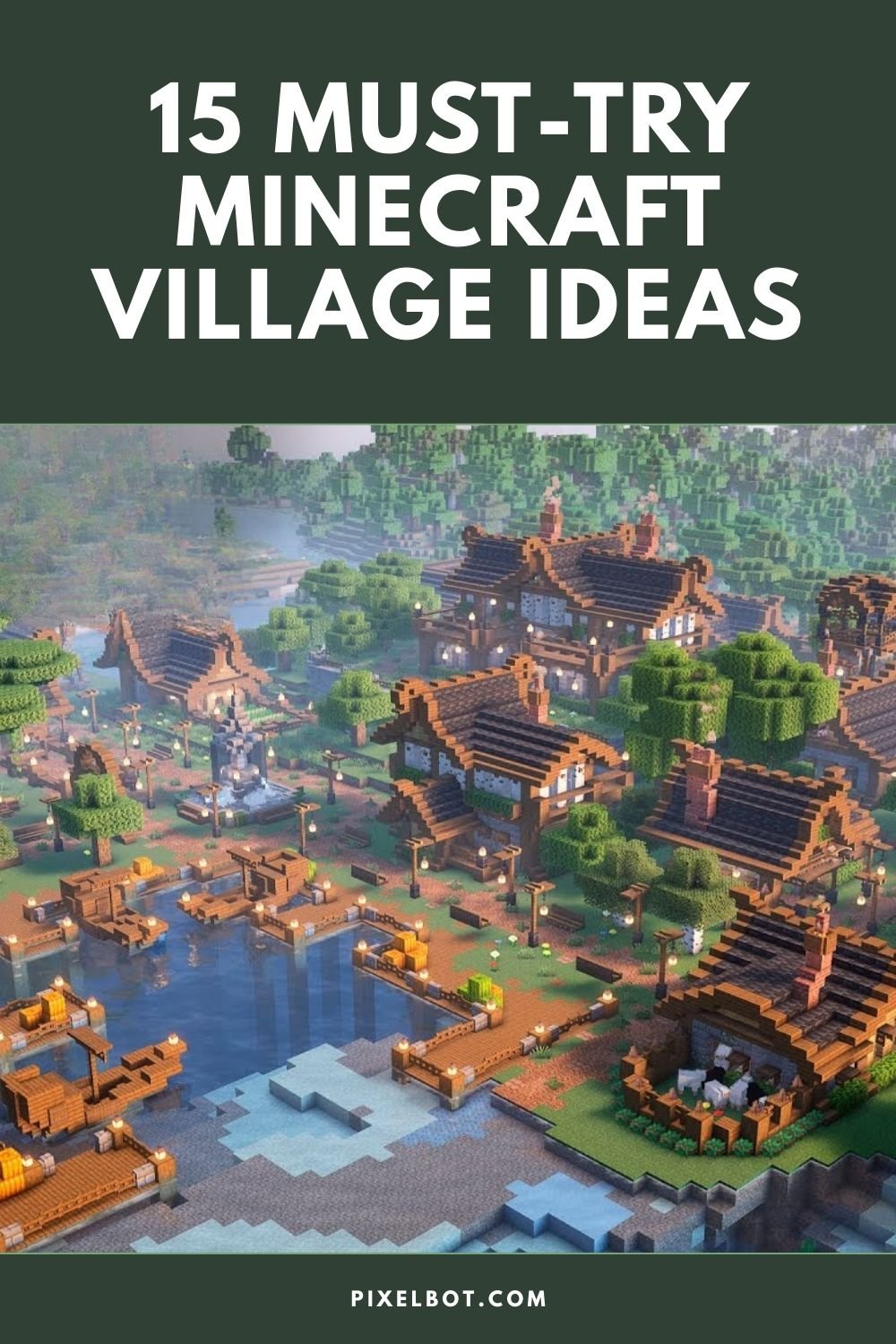
This fishing village layout is a great choice for players who want a smaller settlement with tons of charm and personality.
The design combines a working harbor, tiny waterfront homes, custom trees, wheat fields, and a watermill to create a village that feels busy, practical, and beautifully connected to the landscape.
What makes this build stand out is the contrast between the cozy fishing district and the larger city nearby, which helps the village feel like its own distinct little community.
How to Build It
Start by shaping the shoreline and riverbed first, then add docks, mud, seagrass, and boats to make the waterfront feel deeper and more natural.
Build a row of small houses along the main path, using varied palettes and tiny yards to give the village a handmade, lived-in feel.
Finish the layout with supporting details like orchards, crop fields, carts, storage areas, and a watermill to make the whole settlement feel functional.
Tip: Keep the houses intentionally small in a fishing village like this. The tighter scale makes the area feel cozier and helps docks, fields, and market details stand out even more.
3. Medieval Marketplace Village Layout
Source: Enchanted Architecture – How to Build Medieval Village Marketplace
A medieval marketplace is one of the best centerpieces you can add to a Minecraft village. This layout focuses on a lively town square filled with colorful market stalls, a decorative fountain, and small vendor stands that make the village feel like a busy trading hub.
With multiple stalls and a clear plaza layout, it creates a natural gathering place where villagers, traders, and players can meet.
How to Build It
Start by creating a central square or plaza, leaving open space for paths and stalls.
Place a fountain or statue in the middle to act as the focal point of the market.
Build several market stalls around the square, using different colors and designs to give each vendor a unique look.
Tip: Market stalls look best when each one sells something different. Try decorating them with barrels, crates, hay bales, or item frames to represent food, tools, or supplies.
4. Trading Village Layout
Source: Nuvola MC – Village Transformation Minecraft – All 14 Professions
This village layout is perfect for players who want a settlement that is both beautiful and highly functional.
The design organizes the village around 14 unique buildings, each dedicated to a different villager profession and paired with a farm that produces the resources needed for trading.
The result is a fully decorated village that doubles as a powerful survival trading hub.
How to Build It
Start by planning space for multiple themed buildings, each representing a villager profession like the librarian, farmer, or blacksmith.
Add integrated farms to each structure, such as sugarcane farms for librarians, iron farms for armorers, or crop farms for farmers.
Connect everything with paths, market stalls, and decorations so the village feels like a lively trading town.
Tip: Try grouping similar professions together—like toolmakers, armorers, and weaponsmiths—to create small districts within the village that feel realistic and organized.
5. Savanna Farm Village Layout
Source: FCD Games – Minecraft Savanna Farm Village Transformation
This savanna village layout shows how you can transform a basic Minecraft village into a vibrant farming community while staying true to the biome’s natural style.
The build uses acacia wood, terracotta, hay bales, and other blocks from the original savanna palette to create a warm, sunlit settlement filled with farms, homes, and gardens.
The finished village feels cohesive with the biome and includes detailed interiors, rooftop gardens, and decorative gathering spaces like a gazebo.
How to Build It
Start by clearing space in a savanna biome and plan a central village square surrounded by homes and small farms.
Build houses using acacia wood, terracotta, and hay bales to match the savanna village style.
Add landscaping like custom savanna trees, rooftop gardens, crop fields, and paths to bring the village together.
Tip: Try sticking to the same block palette used in vanilla savanna villages. Limiting your materials can actually help your village feel more natural and authentic to the biome.
6. Plains Village Transformation Layout
Source: KoalaBuilds – Transforming an Entire Plains Village
Transforming an existing plains village is one of the easiest ways to upgrade your Minecraft world while keeping the natural charm of the original structures.
In this build, the creator redesigns the village with improved houses, detailed paths, landscaping, and decorative structures that make the settlement feel much more alive.
Instead of starting from scratch, the transformation focuses on improving the layout and style of the existing village.
How to Build It
Start by renovating the original village buildings, upgrading roofs, walls, and windows while keeping the general layout intact.
Replace basic dirt paths with custom paths using gravel, coarse dirt, and path blocks for a more natural look.
Add extra structures like wells, gardens, fences, lanterns, and small farms to bring the village to life.
Tip: When transforming a village, keep some original structures or shapes so the village still feels authentic to the Minecraft world while looking much more detailed.
7. Cherry Blossom Village Layout
Source: SunnySev – I Built the Village I've Always Wanted in Minecraft
This cherry blossom village layout is perfect for players who want a village that feels soft, magical, and fully customized to its biome.
The build uses cherry wood, pale oak, white terracotta, quartz, and lots of pink details to create a pastel village filled with themed villager homes, curved paths, flower gardens, and a stunning central cherry blossom tree.
What makes this layout especially memorable is how it combines beauty and function, turning the village into both a scenic build and a useful trading hub.
How to Build It
Start by terraforming the cherry grove into a safer, flatter area, then plan your houses in a loose circle so the village feels intentional and connected.
Build a few key villager homes first, such as a farmhouse, library, mason house, or forge, using a consistent pink-and-white palette to tie everything together.
Finish the village with winding paths, small custom cherry trees, gardens, ponds, crop fields, a central custom tree, and decorative gathering spaces.
Tip: A strong theme makes a huge difference in a village layout like this. Repeating the same few colors and materials across every house helps even very different builds feel like part of one beautiful village.
8. Coastal Fishing Village Layout
Source: BlueNerd – I Turned a Dead Coast into a Living Fishing Village in Minecraft Hardcore
This coastal fishing village layout is ideal for players who want to transform an empty shoreline into a settlement that feels busy, layered, and full of life.
The build combines a hand-shaped river, textured docks, pale oak buildings, crop fields, and raised pathways to create a village that feels naturally grown over time.
What makes this layout especially effective is the mix of waterfront structures and elevated roads, which gives the whole area better sight lines and a much more interesting shape.
How to Build It
Start by reshaping the coastline first, adding a river, muddy riverbed, docks, and shoreline details so the village has a strong foundation.
Build a few small fishing huts near the water, then expand upward with larger buildings like a tavern, bakery, or shop along raised paths.
Finish the layout with custom trees, farmland, foliage, boats, and layered terraforming to make the village feel settled and lived in.
Tip: Don’t leave the land flat. Adding hills, steps, and raised paths makes a fishing village feel far more natural and helps every building stand out better from a distance.
9. Mountaintop Japanese Village Layout
Source: JavaTheCraft – I Spent a Year Building a Mountaintop Japanese Village
This mountaintop village layout is perfect for players who want a settlement that feels peaceful, scenic, and carefully shaped around the terrain.
The design uses layered terraforming, winding paths, small traditional-style buildings, bridges, ponds, farms, and cherry blossom details to create a village that feels tucked away high above the rest of the world.
What makes this layout so special is the atmosphere. It feels less like a grid of houses and more like a quiet hillside community built to match the mountain.
How to Build It
Start by terraforming the mountain first, carving out enough flat space for paths, houses, and a few feature areas like a pond, farm, or bathhouse.
Build several smaller structures across the slopes instead of one dense cluster, then connect them with winding paths, steps, and bridges.
Finish the layout with natural details like cherry blossom trees, lanterns, gardens, wheat fields, and stone texturing to make the village feel calm and lived in.
Tip: Japanese-inspired layouts look best when the terrain does part of the design work. Let the elevation guide where buildings, paths, and scenic viewpoints go instead of flattening everything too much.
10. Cozy Medieval Village Layout
Source: EMazing – I Spent 100 Days Building a Cozy Medieval Village in Minecraft
This cozy medieval village layout is perfect for players who want a settlement that feels warm, peaceful, and naturally lived in.
The design brings together a church, cottages, farms, a central courtyard, village walls, and a gated entrance to create a complete medieval town with plenty of charm.
What makes this layout work so well is the balance between structure and softness, with organized gathering spaces surrounded by flowers, farmland, lanterns, and small decorative details.
How to Build It
Start by placing the key landmarks first, like your main house, church, courtyard, and a few small homes, so the village has a clear center.
Add supporting features such as crop fields, a blacksmith, paths, walls, and a gated entrance to make the settlement feel practical and protected.
Finish everything with flowers, carts, lanterns, barrels, and trees to give the village that cozy medieval atmosphere.
Tip: A medieval village feels more believable when the paths and farms look slightly uneven. Let the roads curve a bit and keep crop plots irregular so the whole layout feels older and more natural.
11. Bamboo Treetop Village Layout
Source: ItsMarloe – I Built a Bamboo Village in the Trees!
This bamboo village layout is perfect for players who want a village that feels playful, creative, and completely different from a traditional ground-level build.
Instead of spreading houses across a biome floor, this design places villager homes high in the jungle canopy and connects them with hanging bamboo bridges, creating a village that feels alive in every direction.
What makes this layout so special is the way each treehouse serves a specific villager profession while still feeling part of one connected community.
How to Build It
Start by choosing or growing a cluster of tall jungle trees, then mark which ones will hold houses and which ones will become the village center.
Build one unique treehouse for each villager profession, keeping the same general palette and style so the whole village feels cohesive.
Connect everything with bamboo bridges, expand the leaf canopies, and add a central communal treehouse so the village feels complete and walkable.
Tip: Keep the treehouses similar in palette but different in shape. That way, the village feels unified without looking repetitive, and each profession still gets its own personality.
12. Enchanted Fairytale Village
Source: Munkei – Fairytale Village in an Enchanted Forest
This fairytale village layout is perfect for players who want a magical, storybook-style build that feels straight out of a fantasy world.
The design combines cozy cottages, winding paths, glowing forest details, and whimsical builds like giant mushrooms to create a dreamy atmosphere.
What makes this layout stand out is how everything feels intentionally imperfect, curved paths, layered greenery, and soft lighting all work together to create that enchanted forest vibe.
How to Build It
Start by shaping the terrain and forest first, adding custom trees, dense foliage, and uneven ground to create a magical setting.
Build small, detailed cottages scattered throughout the forest rather than placing them in a tight grid.
Add fantasy elements like giant mushrooms, lanterns, custom decorations, and overgrown paths to bring the world to life.
Tip: Focus more on atmosphere than structure. Use lighting, plants, and layered details to make the village feel magical—even simple builds will look incredible in the right environment.
13. Medieval Village
Source: Hey Natsu – HOW TO BUILD a COMPLETE Medieval Village in Minecraft
This layout is perfect if you want a fully structured, functional medieval village where every building has a clear purpose.
Unlike more freeform or aesthetic builds, this one is designed as a complete system. Each villager profession gets its own dedicated house, all tied together into one cohesive settlement.
It’s essentially a full blueprint for a working medieval town.
What makes this layout stand out is how organized and complete it feels. From the fisherman to the cleric (church), every role is accounted for, making it ideal for survival worlds where both function and design matter.
How to Build It
Start by mapping out your village layout and placing key buildings like the church, guild, and central paths first.
Build each profession house one by one (farmer, blacksmith, librarian, etc.), keeping a consistent medieval style across all builds.
Connect everything with paths, then finish with details like farms, market areas, lighting, and decorative blocks.
14. Cliffside Mountain Village
Source: TheMythicalSausage – Minecraft Mountain Village Base
This mountain village layout is perfect for players who want a build that combines aesthetic design with full survival functionality.
Instead of spreading across flat land, this layout uses the mountain itself to house an entire village and base system.
On the outside, it looks like a cozy mountainside settlement with hanging houses, docks, and pathways, but inside, it’s a fully connected survival hub.
What makes this layout stand out is the hidden interior village. Behind the mountain facade, everything is connected through tunnels and water pathways, giving you quick access to villagers, farms, storage, and more without sacrificing the immersive exterior look.
How to Build It
Start by choosing a mountain or cliffside and carving out space inside for your main base systems.
Build exterior houses into the mountain face to create the illusion of a natural village.
Connect everything with tunnels, water elevators, and hidden paths, then add details like docks, lighting, and landscaping around the base.
Tip: Think of the mountain as both your structure and your storage space. Hiding your base inside keeps everything efficient while letting the outside stay clean and immersive.
15. Jungle Cliff Village
Source: DurangoSilverton's Minecraft Builds – Building a Jungle Cliff Village!
This jungle cliff village layout is perfect for players who want a build that feels adventurous, vertical, and deeply connected to nature.
Instead of building on flat terrain, this design spreads across the side of a jungle cliff, with houses perched at different heights and connected by paths, bridges, and natural terrain.
What makes this layout stand out is the layered elevation. Each build sits at a different level, creating a dynamic village that feels organic and immersive, almost like it grew naturally out of the jungle itself.
How to Build It
Start by choosing a jungle cliff or steep hillside and carving out small platforms for houses and paths.
Build structures at different heights rather than on a single level, then connect them with stairs, bridges, or winding paths.
Add details like vines, boats, docks, and dense foliage to blend the village into the jungle environment.
Tip: Don’t flatten the terrain too much. The uneven height differences are what make cliff villages feel unique and visually interesting.
Final Thoughts
At the end of the day, building a village in Minecraft is really about creating a place that feels alive. Some of these ideas are more structured and functional, while others focus on atmosphere and creativity.
The fun part is taking inspiration from a few different styles and blending them into something that fits your own world perfectly.
Start with a couple of houses, add some paths, expand over time, and before you know it, you’ll have a village that feels like it’s always been there!
Now I’d love to hear from you! Which village style are you thinking of building first? Let me know in the comments below.
Tip: Pin this image below by hovering over it to save it to your Pinterest account and refer back to it later.
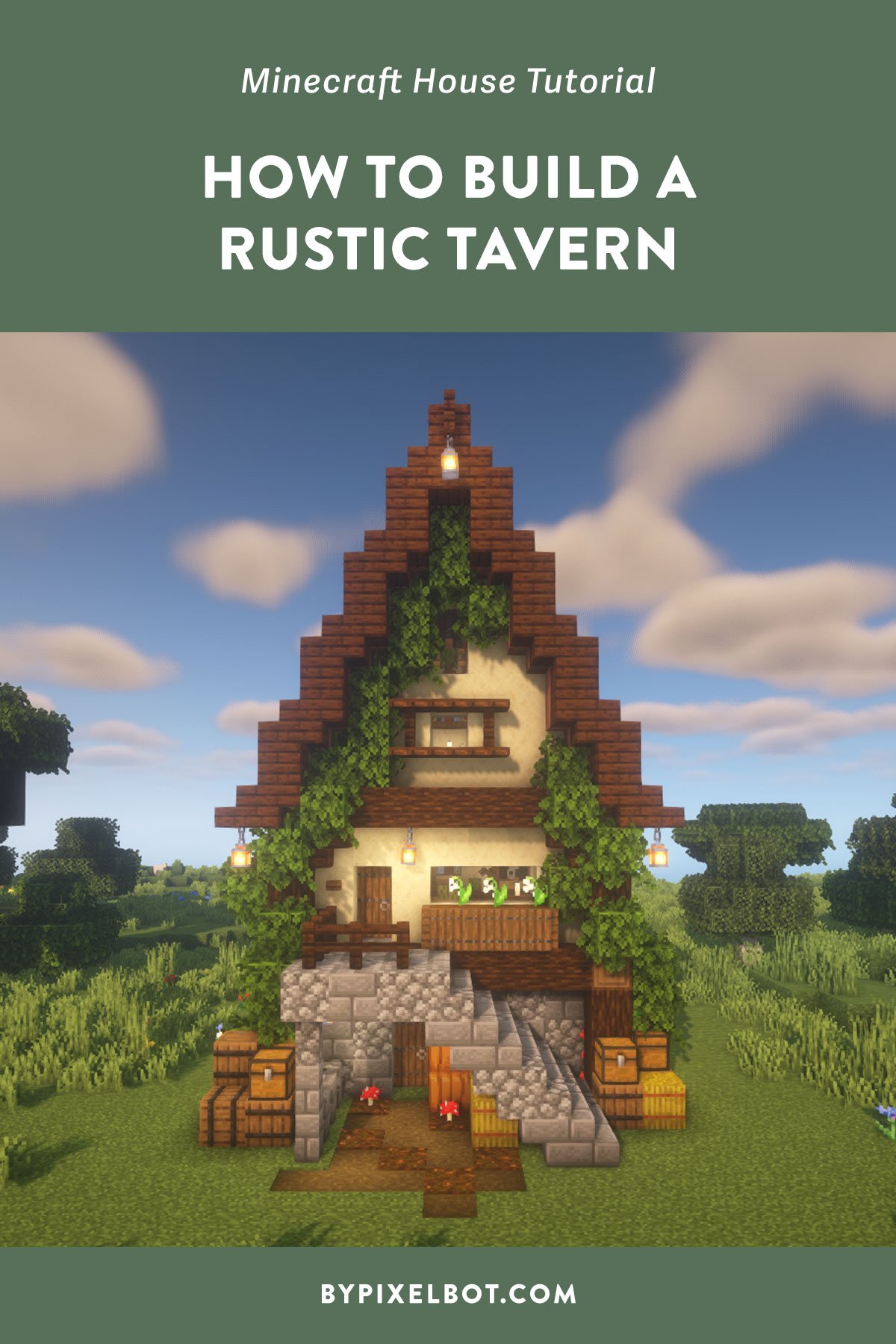
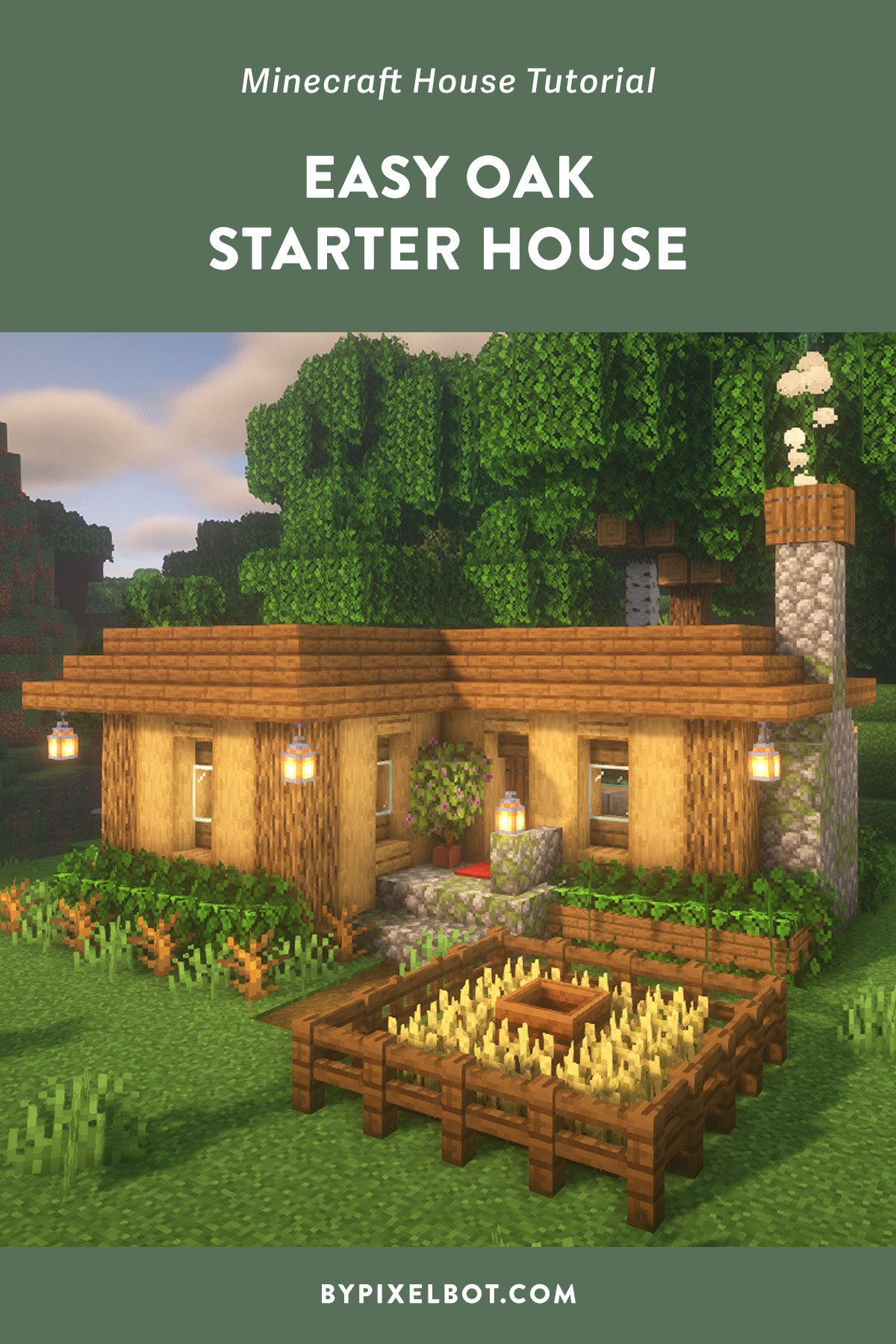

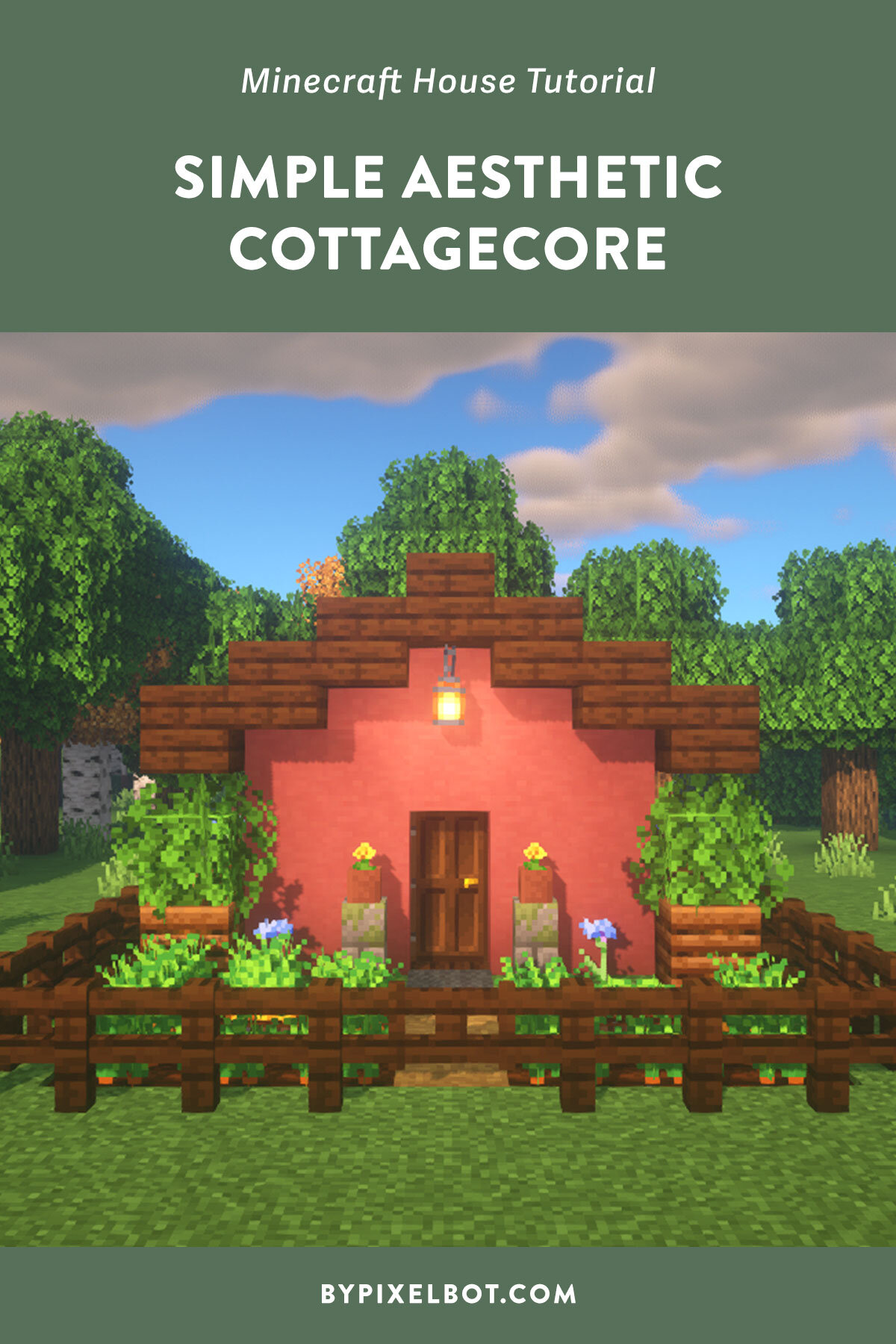
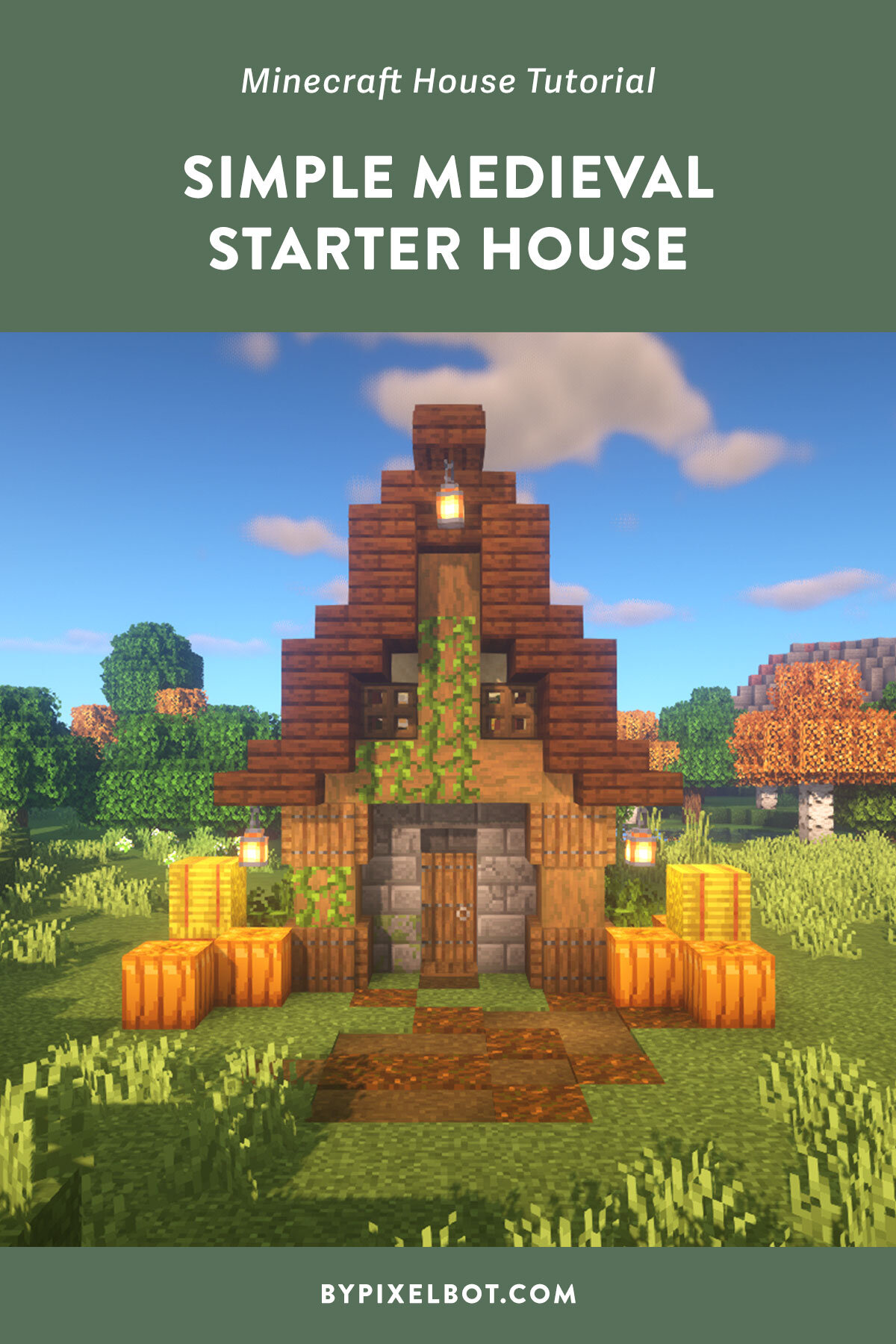



In this tutorial, I will show you how to build a basic oak starter house in Minecraft. What makes this starter survival house different is that I’m going to focus on just oak wood. So, if you’re truly a beginner Minecraft player, this is the starter house for you! This was built in 1.19 Java Edition.